
Download SuperEasy Video Booster – Video Enhancement, Sharpness Boost, Contrast Adjustment, Easy Editing
Overview
SuperEasy Video Booster is a mobile application designed to automatically enhance the visual quality of recorded or downloaded videos. Its primary purpose is to improve sharpness and contrast, transforming low-quality footage into a more visually appealing format with minimal user effort. The app targets casual users, content creators, and individuals managing home videos or archived clips who seek quick, reliable improvements without needing advanced editing skills.
By streamlining the enhancement process, it reduces the time and technical knowledge typically required for video optimization. The developer did not provide additional information about its background or history, but the app has been available since 2013, indicating a long-standing presence in the mobile video enhancement space. Real-world use cases include improving the clarity of old family videos, enhancing recordings from low-end devices, or preparing clips for social media sharing.
In the broader app ecosystem, SuperEasy Video Booster fills a niche for lightweight, no-frills video tools that prioritize accessibility over complexity. It serves as a practical utility for users who want immediate results without navigating through layers of settings or filters. While it may not appeal to professional editors, its simplicity makes it a valuable tool for everyday smartphone users seeking better video quality with just a few taps.
Key Features & Functionality
- Automatic Quality Improvement: The app automatically adjusts sharpness and contrast to enhance video clarity. This feature is ideal for users who lack the time or expertise to manually tweak video parameters. For example, a user recording a child’s birthday party on an older smartphone can upload the clip and receive a noticeably clearer version in seconds.
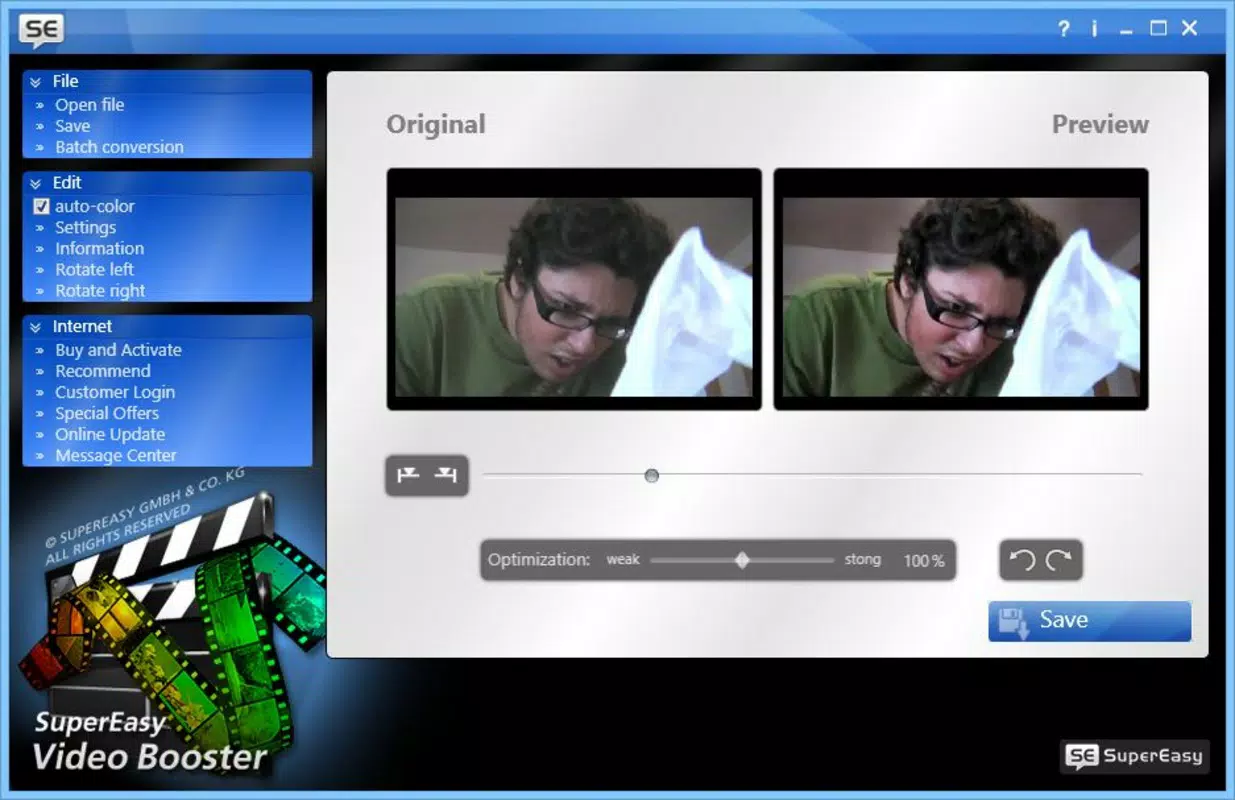
- Instant Preview: Before applying changes, users can view a real-time preview of the enhanced video. This allows for immediate comparison between the original and improved versions, helping users confirm whether the enhancement meets their expectations. This is particularly useful when deciding whether to proceed with the edit or try a different clip.
- User-Friendly Interface: The app features a clean, straightforward layout that minimizes navigation complexity. Users can upload videos directly from their device’s gallery and initiate enhancement with a single tap. This simplicity makes it accessible to users of all ages, including those less familiar with digital editing tools.
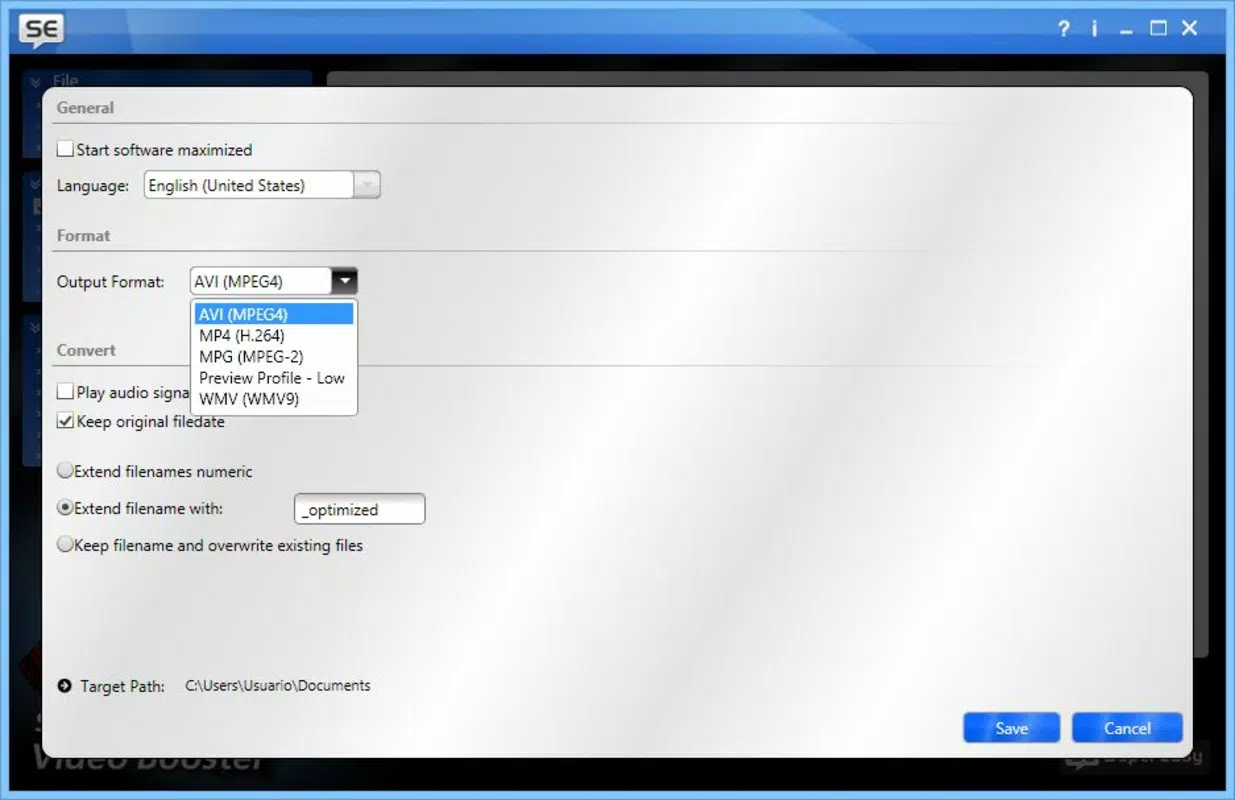
- Minimal Customization Options: While the app offers automatic processing, users have limited control over specific parameters. The only available adjustment is a basic color palette enhancement, which may not satisfy users seeking precise edits. This limitation could be a drawback for advanced users who require fine-tuned control over brightness, saturation, or frame rate.
- Ideal for Quick Fixes: SuperEasy Video Booster is optimized for speed and efficiency. It enables users to enhance multiple clips in rapid succession, making it suitable for batch processing small video files. This functionality benefits users who frequently share videos on platforms like Instagram or TikTok and need consistent quality without lengthy editing sessions.
Interface, UX & Performance
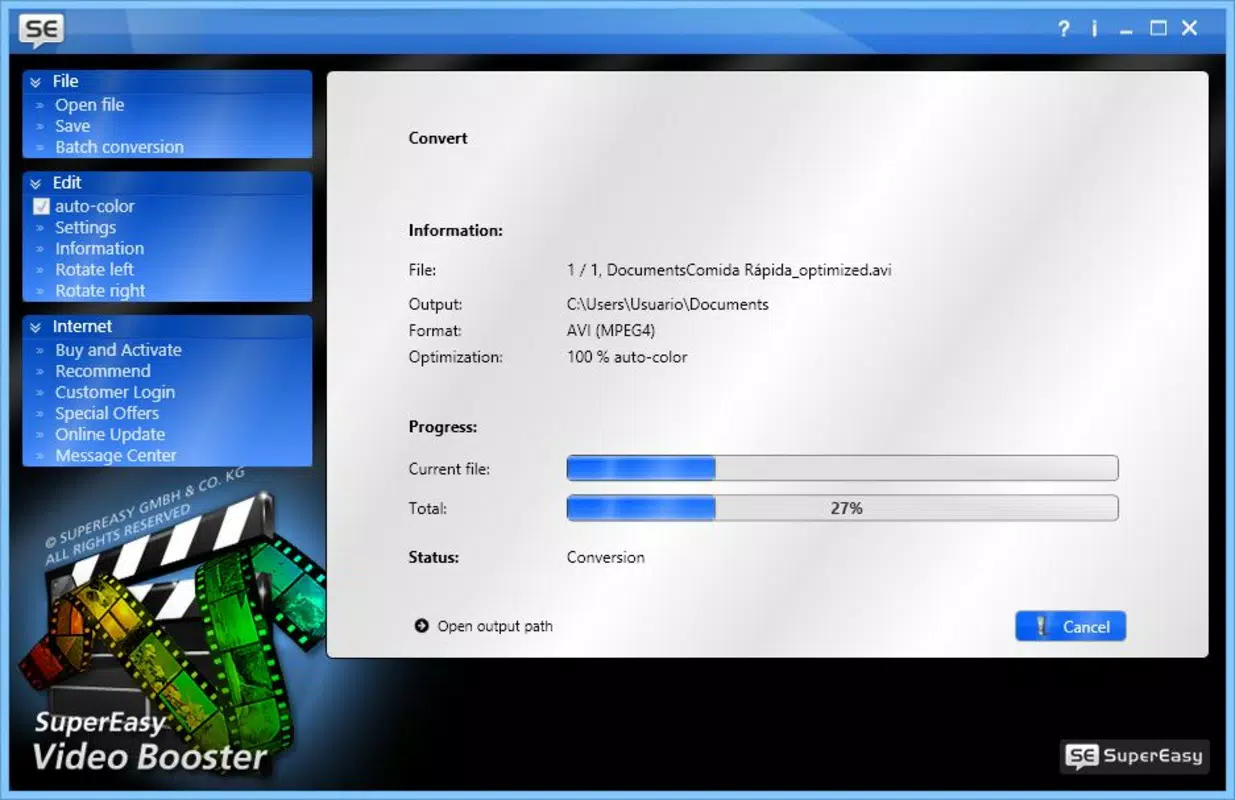
The interface of SuperEasy Video Booster follows a minimalist design philosophy, emphasizing usability over visual flair. Navigation is intuitive, with core functions such as video upload, enhancement, and preview located within a single screen. The layout avoids clutter, allowing users to focus on the task at hand.
Interaction is smooth, with responsive buttons and clear visual feedback during each step. Although the developer did not list formal performance metrics, the app appears to operate efficiently on standard mobile devices, suggesting stable performance across mid-range and higher-end smartphones. The application maintains consistent responsiveness during video processing, with no reported crashes or freezes in the available information.
Users can expect minimal loading times when accessing the gallery and initiating enhancements. The app does not appear to consume excessive memory or storage during operation, which is beneficial for devices with limited resources. However, specific requirements for RAM, CPU, or GPU were not disclosed.
Stability during prolonged use was not detailed, but the app’s long availability since 2013 suggests a level of reliability. Overall, the user experience is streamlined and focused on delivering a frictionless enhancement workflow.
Platform Compatibility & Technical Requirements
SuperEasy Video Booster is available for Android and iOS platforms, though the exact operating system versions and device compatibility were not specified. The app’s file size is listed as 15.3 MB, indicating a lightweight footprint suitable for most smartphones. Users can expect minimal storage impact upon installation.
The latest version of the app was released on February 27, 2013, which suggests that the app has not received frequent updates in recent years. This may affect compatibility with newer OS versions or security standards. The developer did not provide minimum OS requirements or hardware specifications.
As such, users should exercise caution when installing on modern devices, especially those running the latest versions of Android or iOS. It is recommended to check the app store listing for any compatibility warnings before attempting to install. The app’s age may also mean it lacks support for newer video codecs or file formats.
Despite this, its continued availability suggests it remains functional on some devices.
Pros and Cons
Pros
- Simple, intuitive interface ideal for beginners and non-technical users
- Automatic enhancement reduces the need for manual adjustments
- Instant preview feature allows users to compare original and improved clips
- Lightweight file size (15.3 MB) ensures minimal storage usage
- Fast processing time suitable for quick video fixes
Cons
- Limited customization options for advanced users
- No detailed settings for sharpness, contrast, or color balance
- App has not been updated since 2013, raising compatibility concerns
- Lack of information on OS version requirements and device support
- May not support newer video formats or high-resolution files
FAQ
Is SuperEasy Video Booster safe to download?
The app is available through official app stores, which helps ensure it is free from malware. However, users should always verify the developer name and app permissions before installation.
Can I use SuperEasy Video Booster on iOS devices?
Yes, the app is available for iOS, but specific compatibility details were not provided by the developer.
Does SuperEasy Video Booster require an internet connection?
Based on available information, the app appears to function offline, as enhancements are processed locally on the device.
How long does it take to enhance a video?
Processing time varies depending on video length and device performance, but the app is designed for fast results with minimal delay.
Can I undo changes after enhancing a video?
The app does not include an undo feature. Users are advised to keep original files as backups before applying enhancements.
Final Thoughts
SuperEasy Video Booster remains a niche yet functional tool for users seeking a no-fuss way to improve video quality. Its strength lies in simplicity—offering automatic enhancements without overwhelming users with technical options. While the lack of customization and outdated update history may deter some, it continues to serve its intended audience effectively.
The app is best suited for casual users, families preserving memories, and content creators needing quick fixes for low-quality footage. For those prioritizing ease of use over advanced control, it presents a practical solution. Despite its age, its lightweight design and straightforward workflow maintain relevance in the mobile utility space.
If you’re looking for a reliable, free tool to boost video clarity with minimal effort, SuperEasy Video Booster delivers on its core promise. Download SuperEasy Video Booster now.


